 Get it on Google Play
1 month
—Loading priceBuy on the website ↗Dracon VPN / Android
VPN for Android.
Choose which apps need a VPN, connect in one tap, and leave the rest of your traffic alone.
One key works in Dracon VPN, Happ, and Hiddify.
Connection and app selection in one app.
Connect in the appChoose apps through the tunnelRenew the same link
A VPN does not have to change your whole phone.
Dracon VPN lets you choose the route. Work services, messengers, or your browser use the VPN only when you need them to.
Show me how it worksReal app screens
See what happens after install.
No promises, just the interface you will use every day.
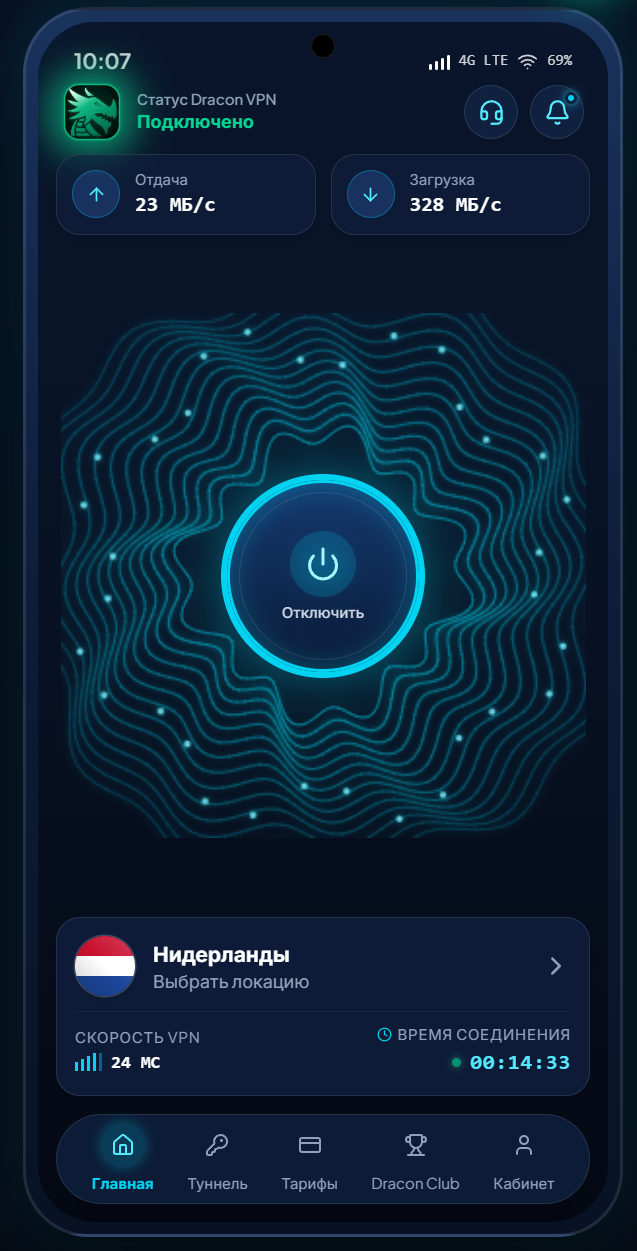
Connect and see VPN status, speed, and your selected region at a glance.
From install to first connection
Start with the app.
- Install Dracon VPN
Open the official app page on Google Play.
- Sign in or paste your key
Use your account or the subscription link you received after purchase.
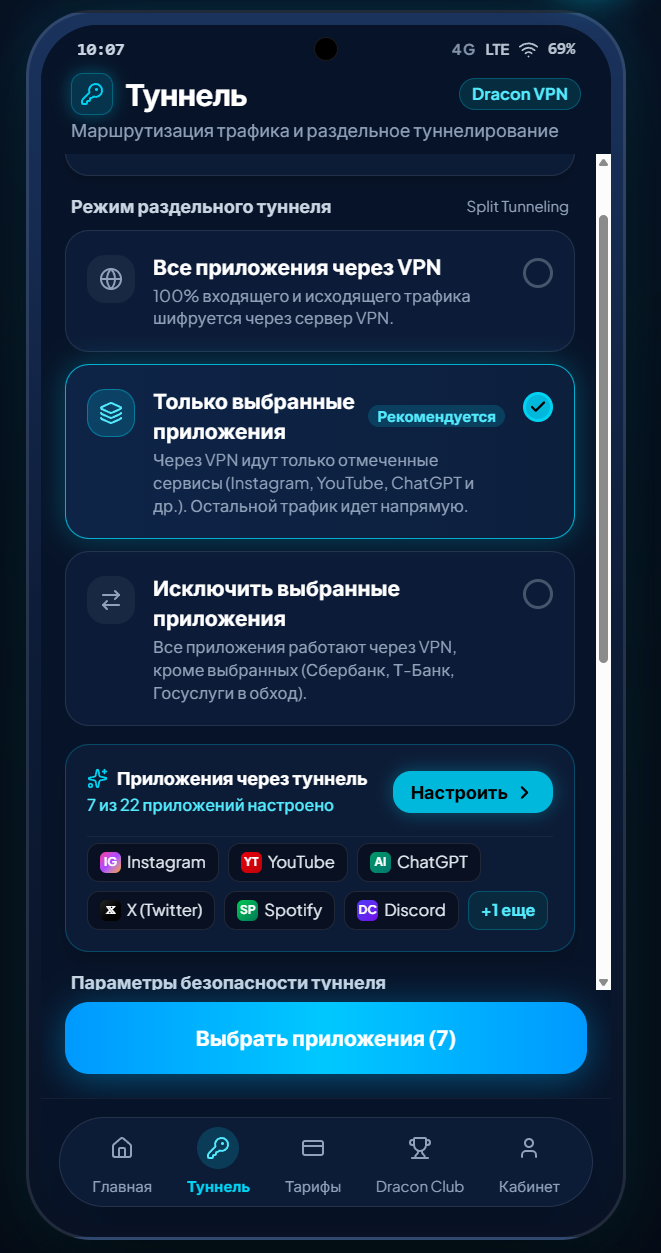
- Choose your apps
Open Tunnel, select the apps, and connect.
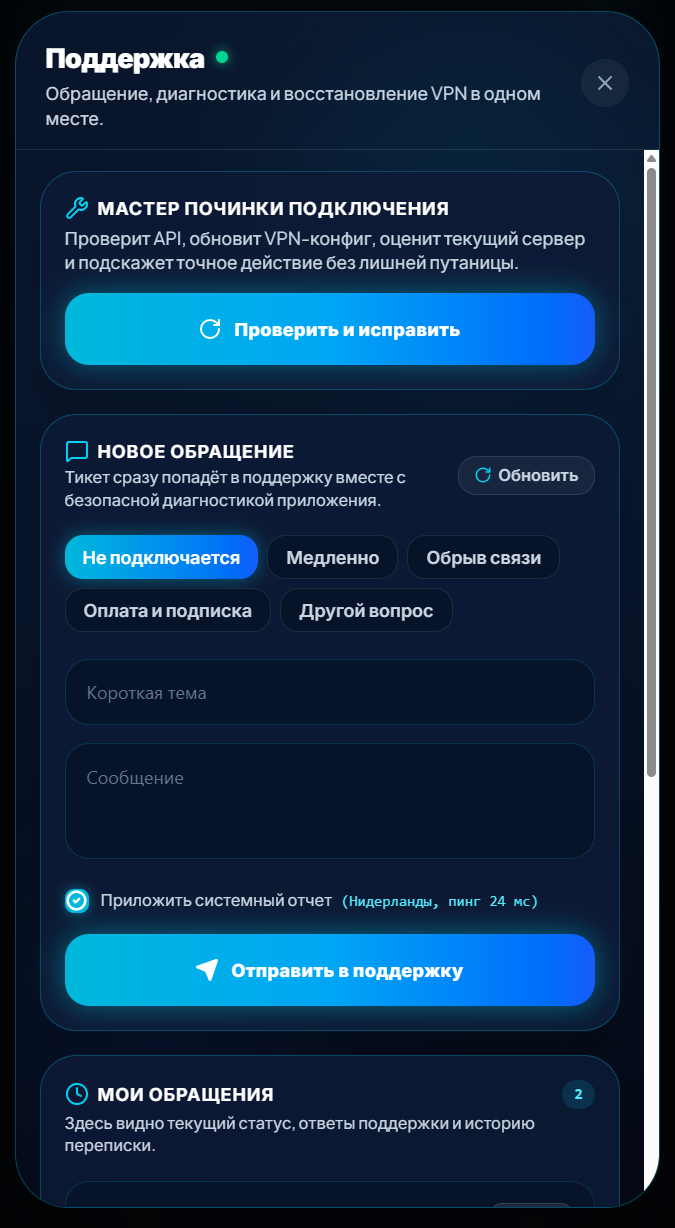
When something needs attention, support and diagnostics are inside the app.
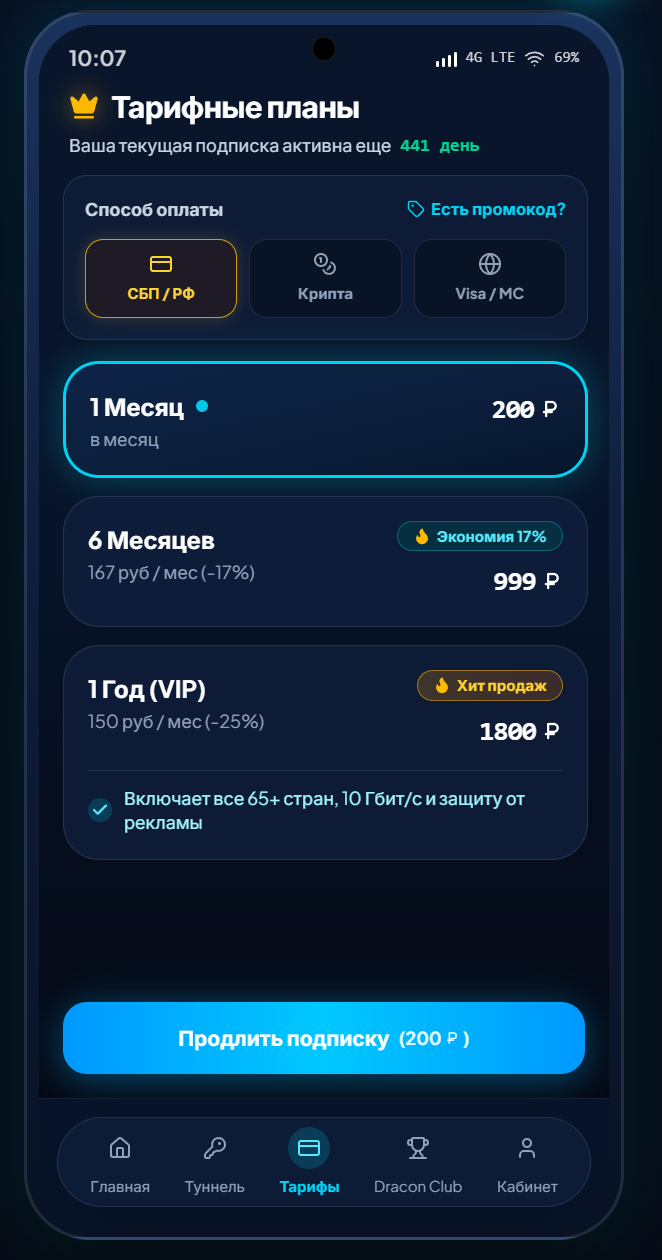
Access and renewal
Install the app. Activate access there.
Prices are loading from the current catalog.
One permanent link works on up to three devices and in Dracon VPN, Happ, and Hiddify. The Android app offers a trial with a ₽1 charge and refund; auto-renewal terms are shown before confirmation.
Already have a key?
Renew the same link.
Link your key once. You can then renew it on the website, in Telegram, or inside the Android app.
Activate a keyOne link
Up to three devices
Dracon VPN · Happ · Hiddify
Access and renewal live inside the app.FAQ
Before installing — the essentials.
Which apps work through the VPN?
In Tunnel, select the apps that need the VPN. Other apps stay on your regular connection.
How do I connect after installing?
Sign in or paste your subscription link, choose a region, and connect in the app.
Does one key work on other devices?
One permanent link works on up to three devices and is compatible with Dracon VPN, Happ, and Hiddify.
Is there a trial?
The Android app offers a trial with a ₽1 charge and refund after linking a card. Auto-renewal terms are shown before confirmation.
Where can I get help?
Use in-app support, email support@dracons.ru, or contact the Telegram bot.
Open Dracon VPN on Android.
Install the official app and set the VPN up around the apps you use.